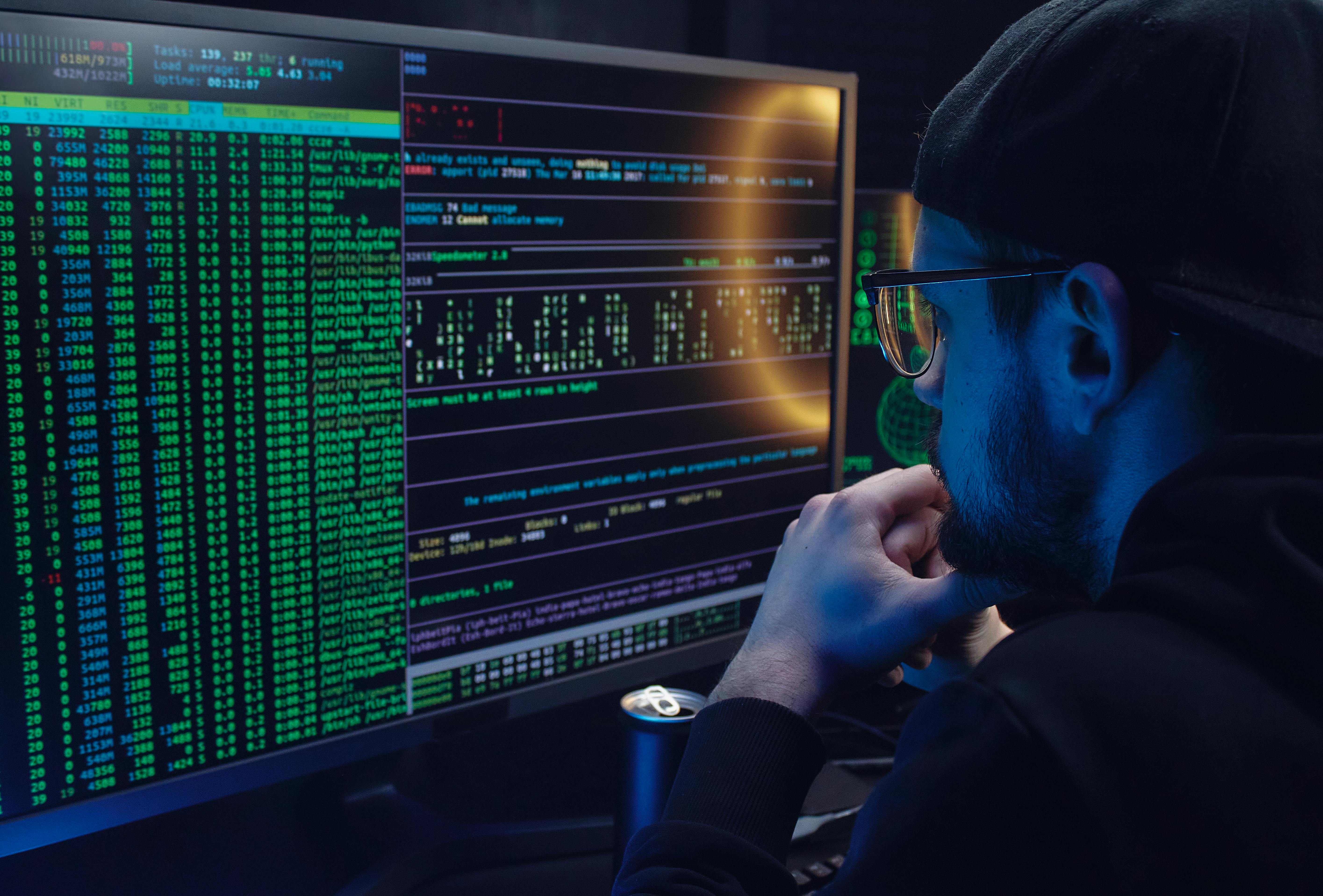
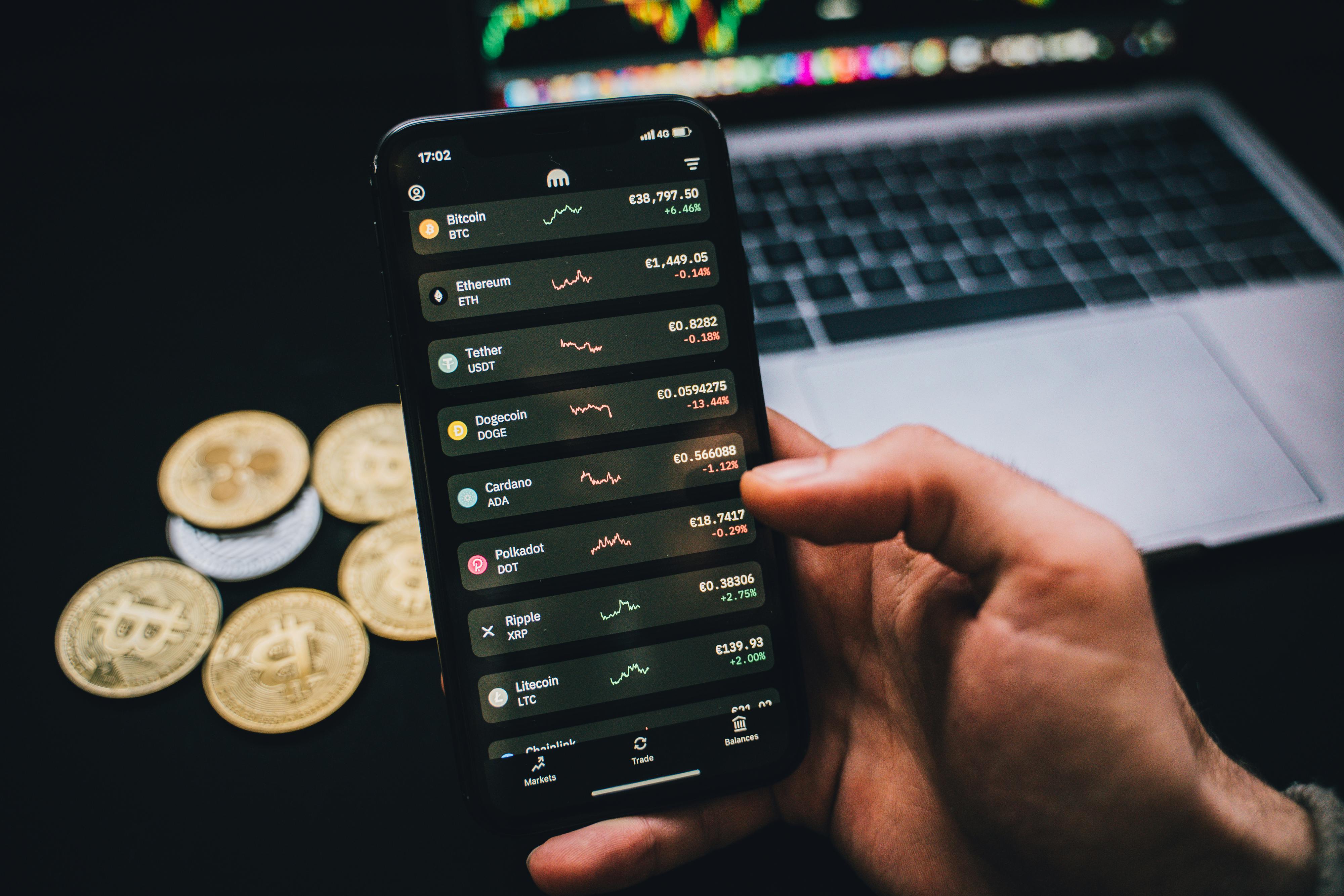
Digitalisation has brought a lot of advantages, like having the Internet, which is by far the most used and popular source of information. Still, unfortunately, it is not a hack-proof system. Nowadays, much of everyone’s time and activities revolve around the Internet. But as the time spent on digital devices increased, so did the online dangers you can encounter. You know your online data is not always safe and can end up in many unexpected places. Data is usually collected for scientific research and targeted ads but can also be used for online scams. Lately, online scams have increased, and hackers are constantly seeking new opportunities to blackmail people. While staying 100% safe on the Internet is impossible, you can take some measures to protect yourself against cyberattacks. Keep reading if you want to find the best ways to protect your data and be safe from online fraud.How to Protect Your Data and Stay Safe From Online Scams?
Install the latest security software
Every activity you engage in nowadays requires having a digital device. Whether emailing, texting, or checking your bank account, you need to use a laptop or a phone. But to protect your data, you have to keep gadgets up to date. Usually, updates take some time, but they are the ones that can really help look after your apps and data. If the software is not updated, it can’t recognize a threat and will not offer protection. Security software defends against viruses and unwanted traffic, guarantees the device’s security and keeps track of your apps.
You should also update your web browser and operating system so as not to take any risks. Regular system updates represent the best tools against cyberattacks, so it is an essential aspect.
Avoid offers that sound too good to be true
There are many popular scams, like fake travel deals, false online shopping sites, and non-existent hotels and the list can continue. Many people got tricked and lost money this way. To avoid being a victim, you should not take into consideration an offer that sounds too good to be true and gives too many benefits. If you pay online for these offers, scammers can access your credit card and use your information without your consent. If you notice that an offer is suspicious after you purchase something from an untrustworthy site, contact your bank as soon as possible.
Use secure websites
Not every website you find online represents a reliable source. This doesn’t mean you have to quit using the Internet, but you need to be extra cautious. Even if you are careful, you might sometimes end up on an unreliable site. If you are going to make a payment to a site or introduce sensitive data, check to see if the phone number and address listed on the site are valid. If you find no contact information on a web page, you should close it because this is a major red flag.
Sometimes, you realise too late that you fell victim to an online scam. In this scenario, the best thing you can do is research sites that can offer advice and support in pursuing a compensation claim for the damage, be it mental or related to financial harm. You can find out more information at https://www.databreachcompensationexpert.co.uk/data-breach-compensation/.
Pay attention to messages requesting your personal information
A very common way hackers try to obtain information from you is by sending an email or a message. In any scenario, you shouldn’t reply to their conversation or give them your personal details. The most common information requested in online scams is your name, street address, phone number, and date of birth. If you have the slightest suspicion that the message you received is illegitimate, you can search and check the company name or the name of the person who sent you the email. Another important thing to remember when receiving a suspicious email is to not click on any links or attachments and delete the email as soon as possible.
Have a strong password
It would help to create a strong and unique password to ensure your information is secured against cyberattacks. You don’t even have to remember the password, as you can save all your login details in browsers. In this way, the next time you sign in to your account, the browser will fill the information automatically. The most common mistakes when creating a password are using your name, hobbies, or any other info that is relevant to you and easy to find out. Some of the most important things to have in mind when setting a password are:
- Don’t use personal information
- Use at least six characters in your password
- Don’t use the same password for all your accounts
- Try to include symbols, letters, uppercase, and lowercase letters
- Don’t tell anyone your passwords.
Be careful with what you download
Because so many people spend a lot of time on the Internet, it is impossible not to be tempted to download something. But the aspect that is not considered when doing this activity is whether it is safe. To avoid viruses and data breaches, double-think before downloading anything and check the sites for legitimacy. You should only download from reputable sources that you can trust. Hackers often create offers based on giving free things like music and movies that aren’t available on other websites or have a fee on other platforms. When in doubt, always look for contact information, like numbers, physical addresses, or any other evidence, to see if it is a legitimate web page. Other methods to try before downloading are to scan files for viruses and pay attention to file extensions. If extensions like .exe or .scr follow the file name, you shouldn’t open them as they are considered dangerous.
Final words
It is very easy to fall prey to an online scam today, so it is always important to trust your gut. If you have any suspicious feelings or if something sounds too good to be true, you should avoid that platform, because you could become a victim of online fraud.